

Latest Version
清碧 饶
Tools
Mac
Free
1612204940
Report a Problem
More About The Cleaner - Disk Cleanup
Reclaim Your Mac's Peak Performance
We have all experienced that frustrating moment when your Mac flashes the dreaded "disk almost full" warning right in the middle of an important project. Over time, macOS accumulates digital debris—from hidden system caches to forgotten download archives—that quietly eats away at your solid-state drive. The Cleaner - Disk Cleanup is a dedicated utility designed to address this exact issue, helping users sweep away unnecessary files and restore their system's overall health.
How The Cleaner - Disk Cleanup Optimizes Your Storage
Unlike manual file management, which risks deleting critical system components, this tool offers a structured, safe approach to digital housekeeping. It targets specific areas where digital clutter tends to collect, making disk maintenance straightforward even for non-technical users.
Comprehensive Junk Removal
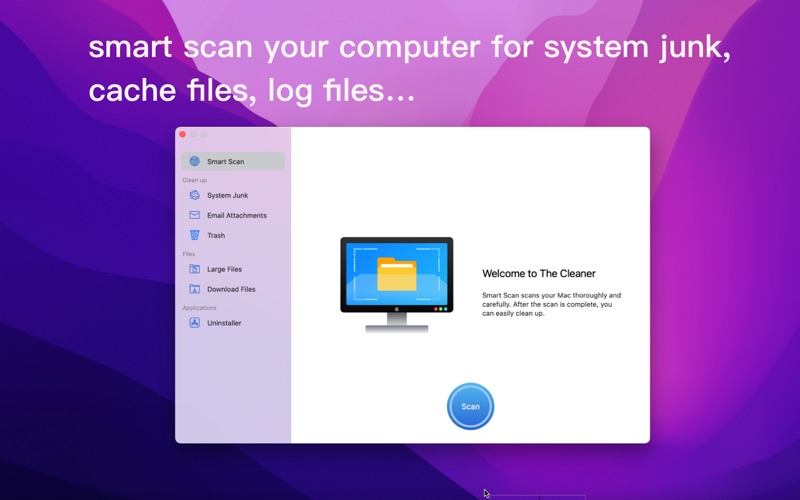
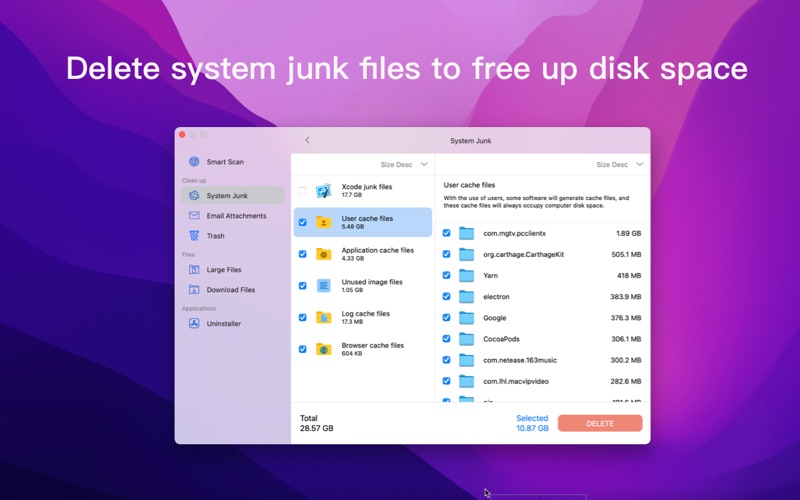
The primary function of The Cleaner - Disk Cleanup is its deep scanning engine. It systematically searches your Mac for system junk, temporary cache files, localization logs, and bloated email attachments. By isolating these redundant files, you can safely delete them in bulk and immediately reclaim gigabytes of storage space.
Smart File & Download Management
Often, the biggest culprits behind storage shortages are large files we downloaded months ago and forgot about. The application features a dedicated file management module that scans your drive for exceptionally large files and internet downloads. This gives you a clear visual overview of what is taking up space, allowing you to archive or delete heavy files with ease.
Complete Application Uninstallation
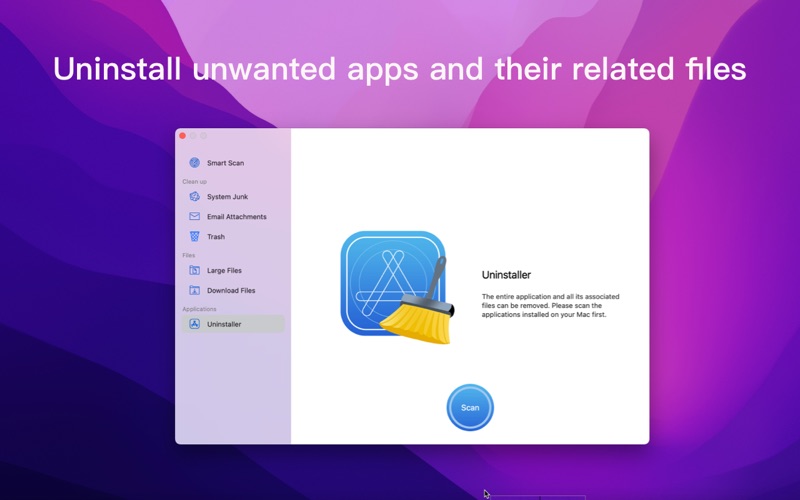
Simply dragging an application to the Trash bin rarely removes it entirely; it often leaves behind helper files, preferences, and deep-seated cache folders. The built-in uninstaller module ensures that unwanted applications, along with all of their associated support files, are completely purged from your system, preventing background processes from wasting precious RAM.
Is This Utility Right for You?
If you want a lightweight, direct solution to manage your storage without navigating complex terminal commands, this tool is highly effective. It is designed specifically for the Mac platform, ensuring compatibility and a native user experience. Whether you are running out of space on a base-model MacBook or simply want to keep your desktop system running efficiently, it offers the essential tools to get the job done.
Where to Find the App
Ready to optimize your macOS storage and clear out system clutter? You can read more user reviews and find the official download link directly on the Apple Mac App Store.
Rate the App
User Reviews










Popular Apps










Editor's Choice